
iOS App
LockedIn
A focus app that blocks distracting apps at the system level, then turns consistency into visible progress with XP, streaks, and goals.
Traction
5K+
Downloads
100+
Countries
4.7★
App Store rating
$1K+
Revenue
Strongest adoption in the United States, Canada, Germany, and the United Kingdom.
Core Experience
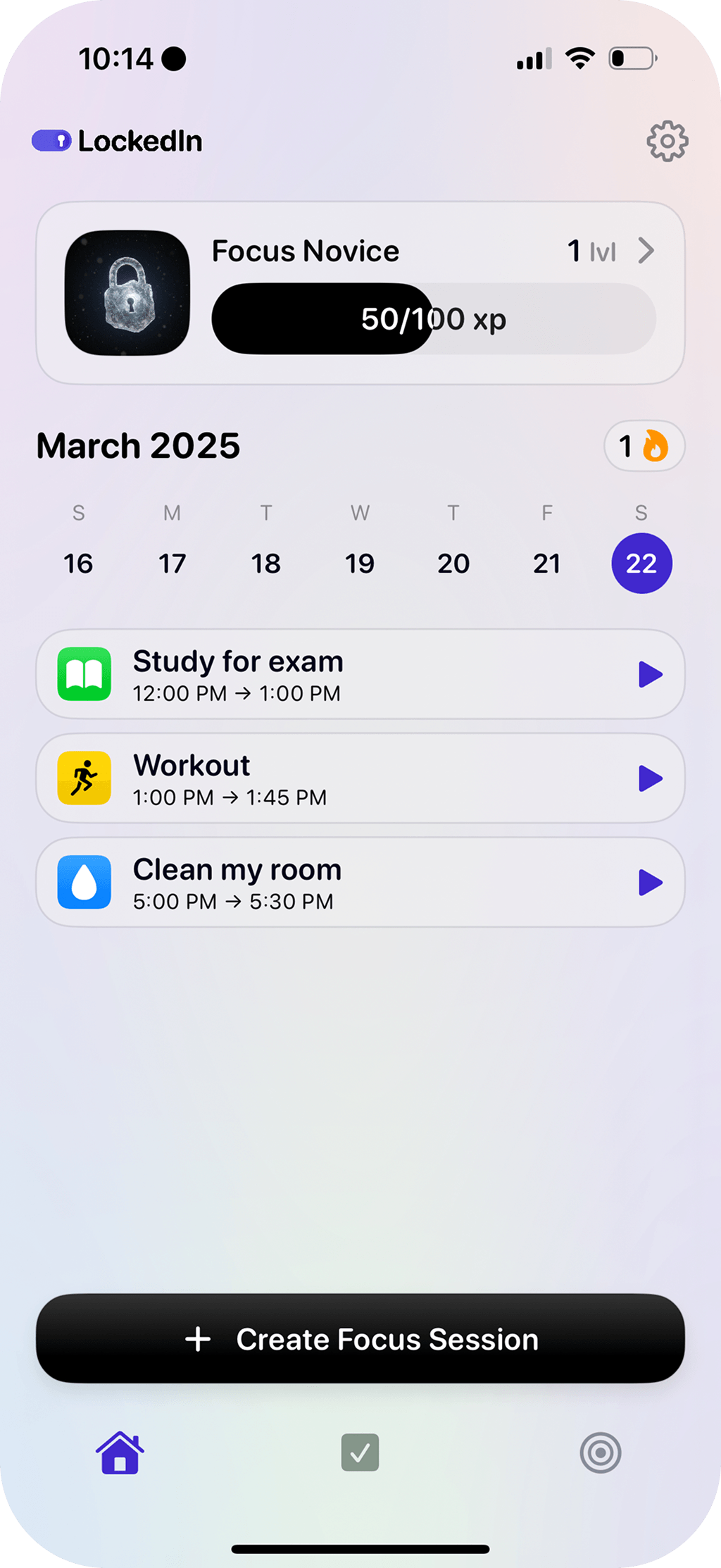
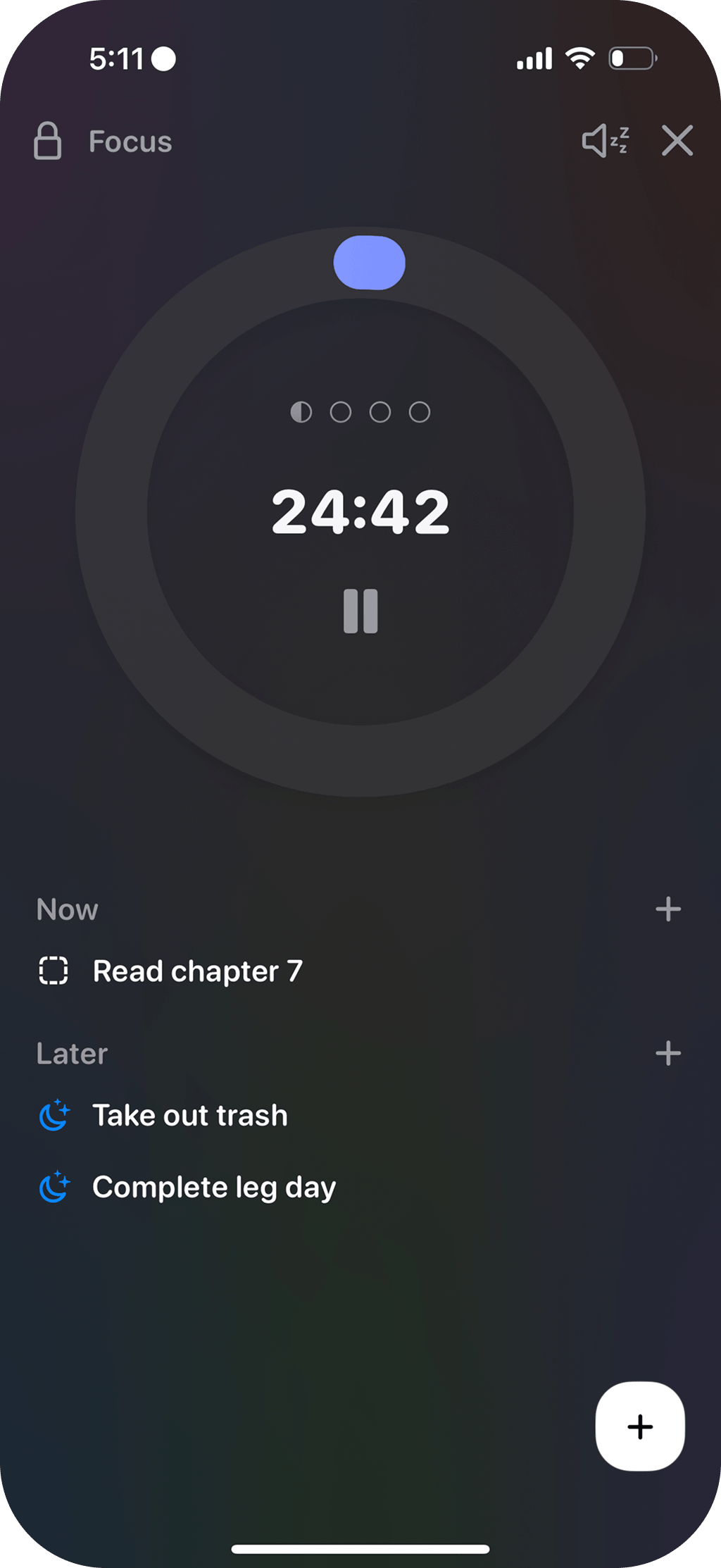
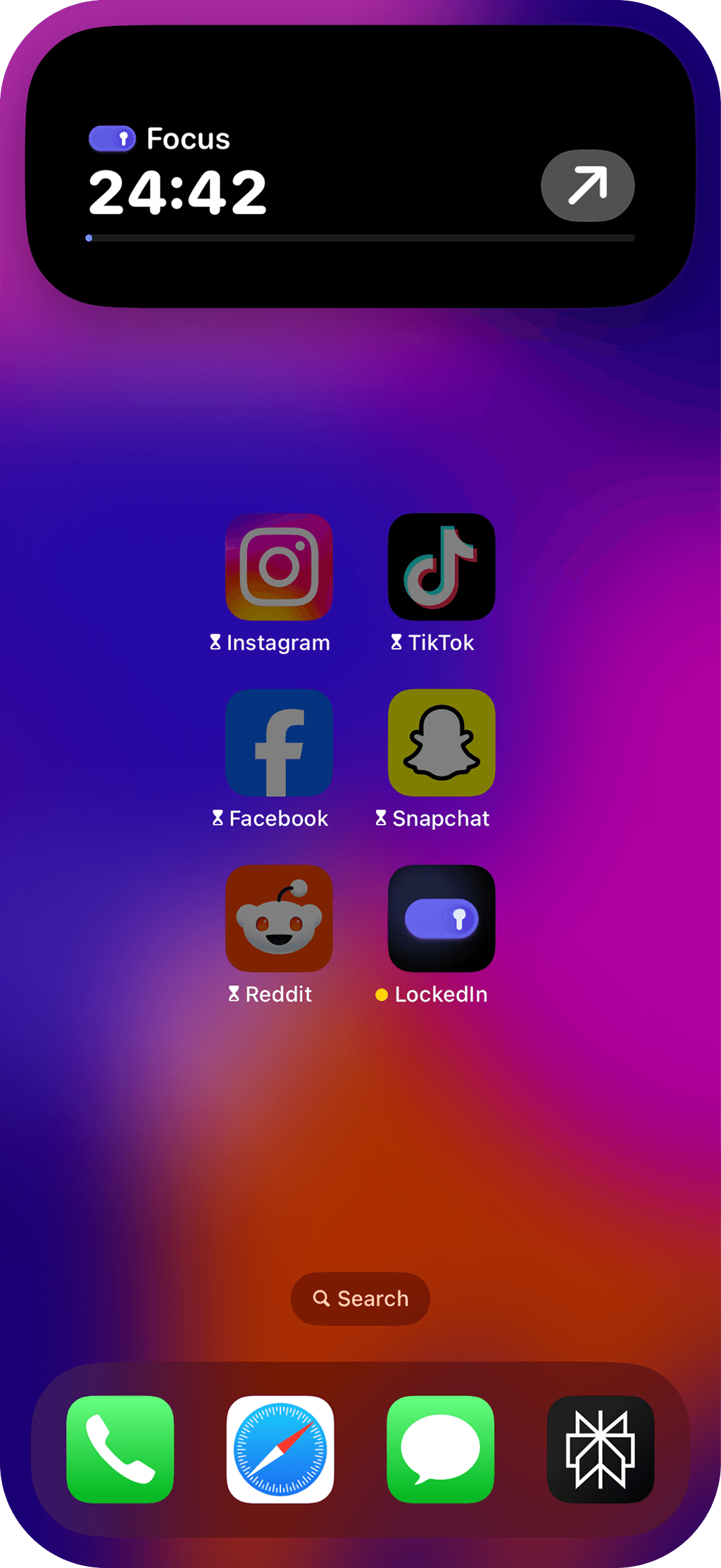
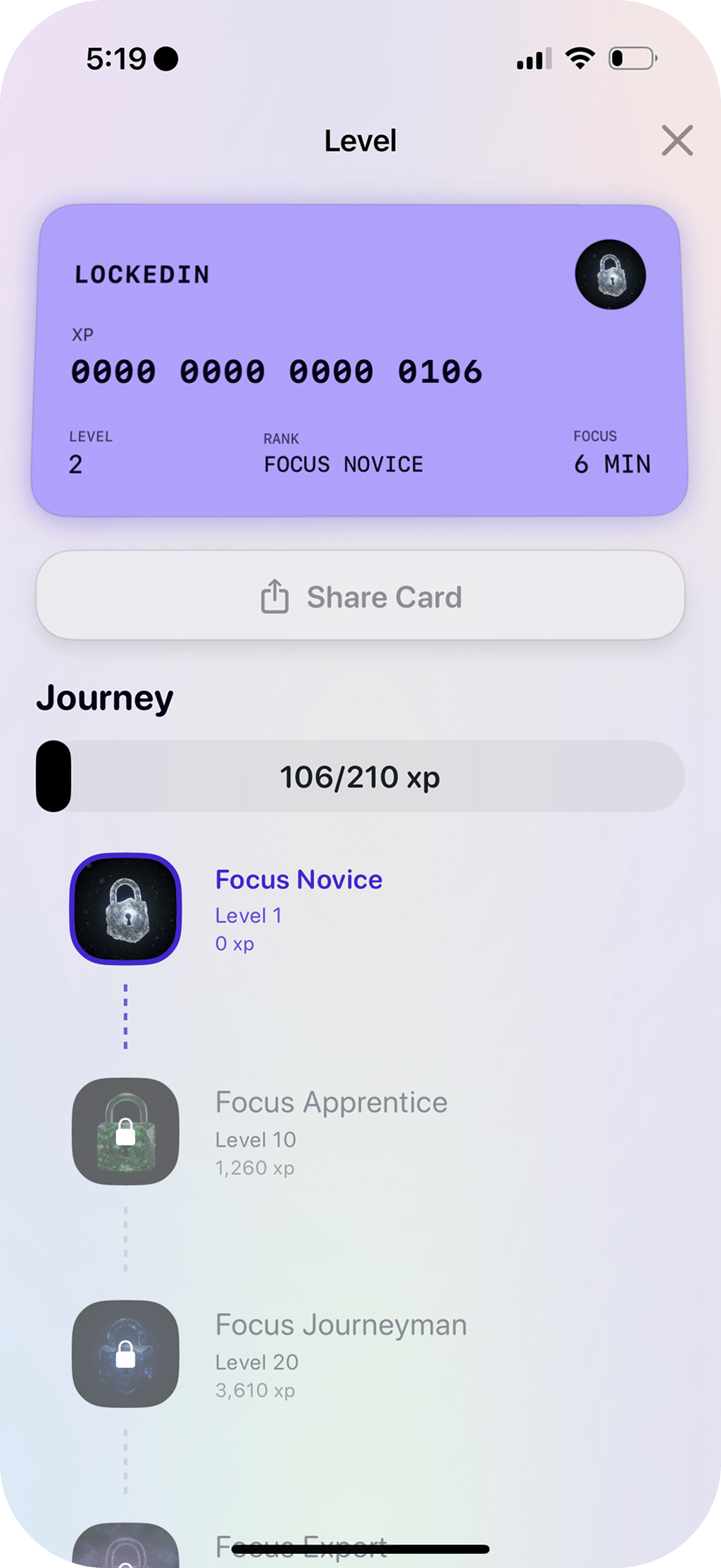
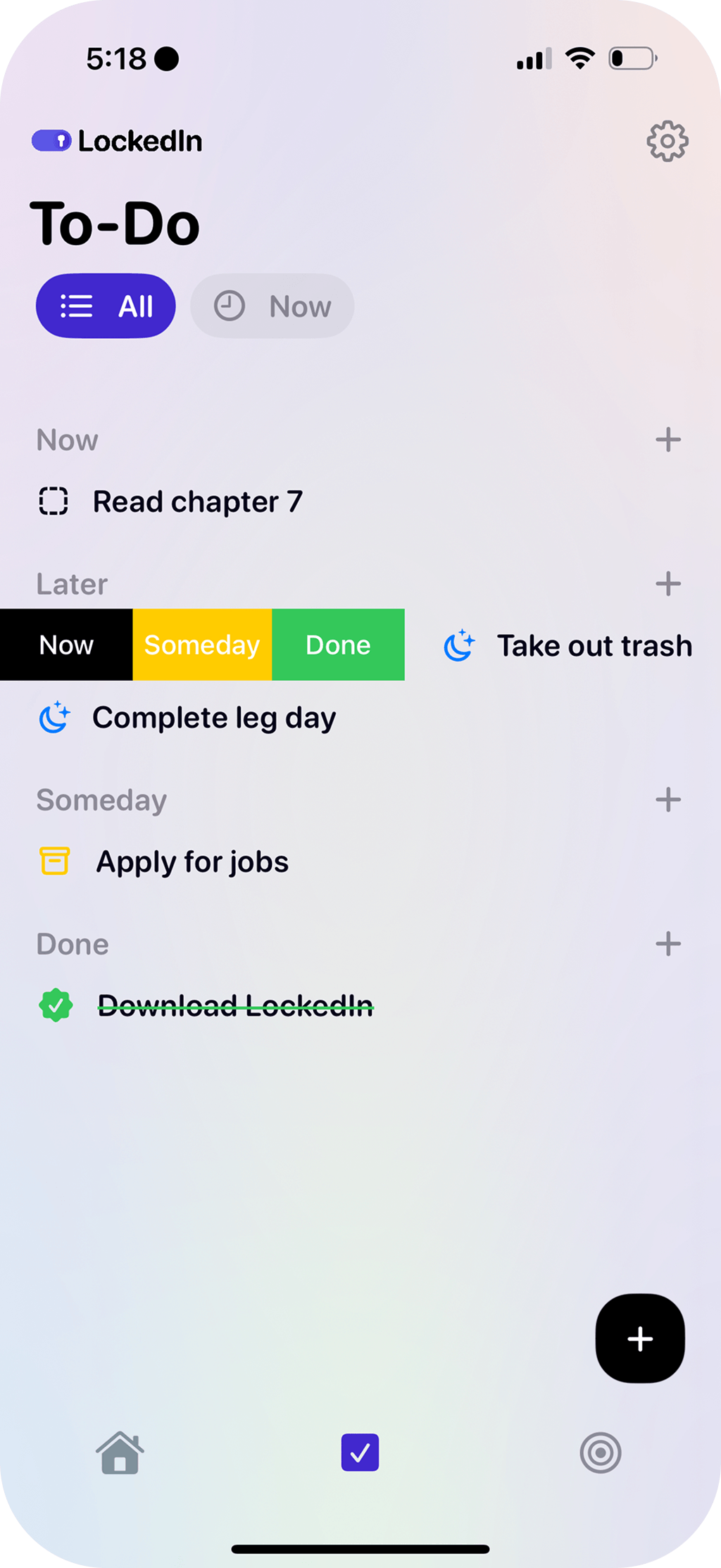
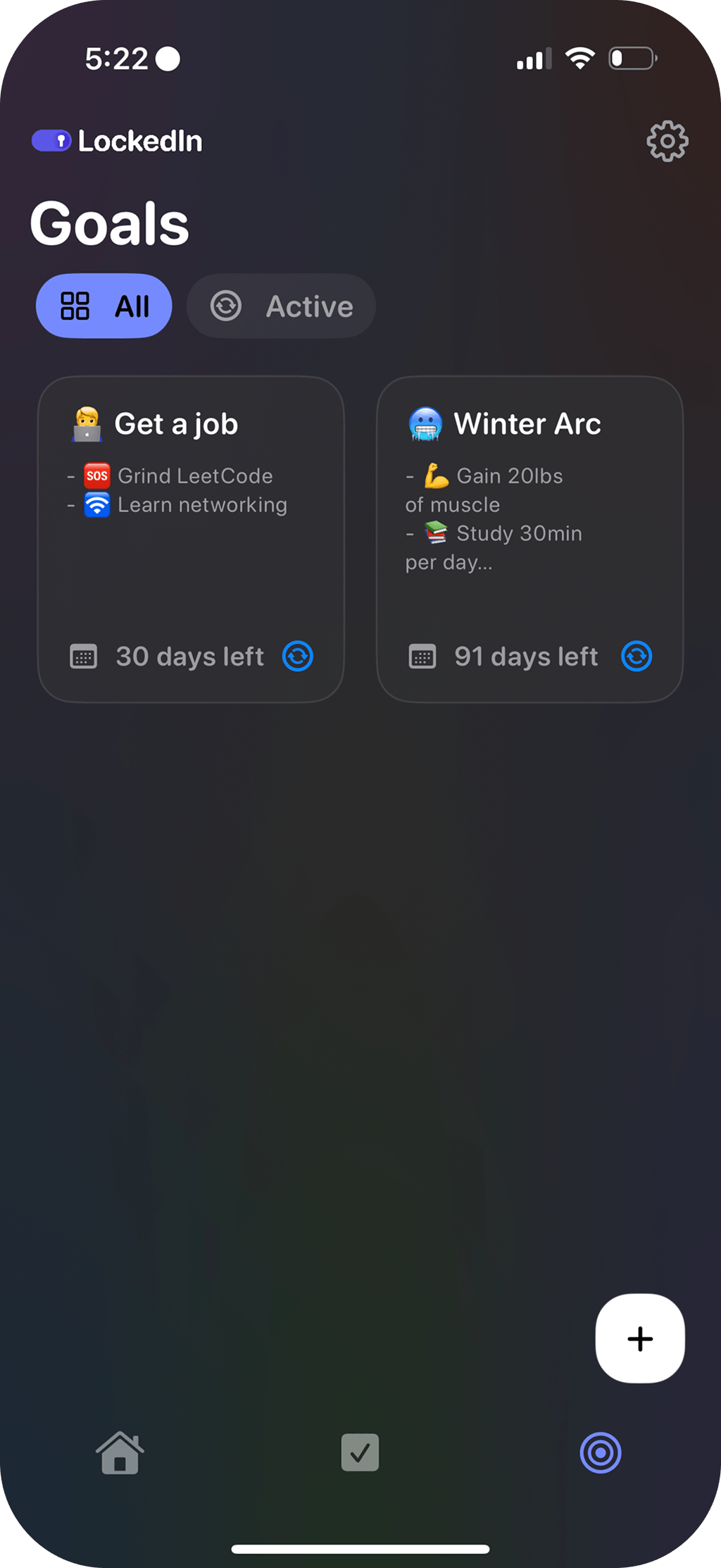
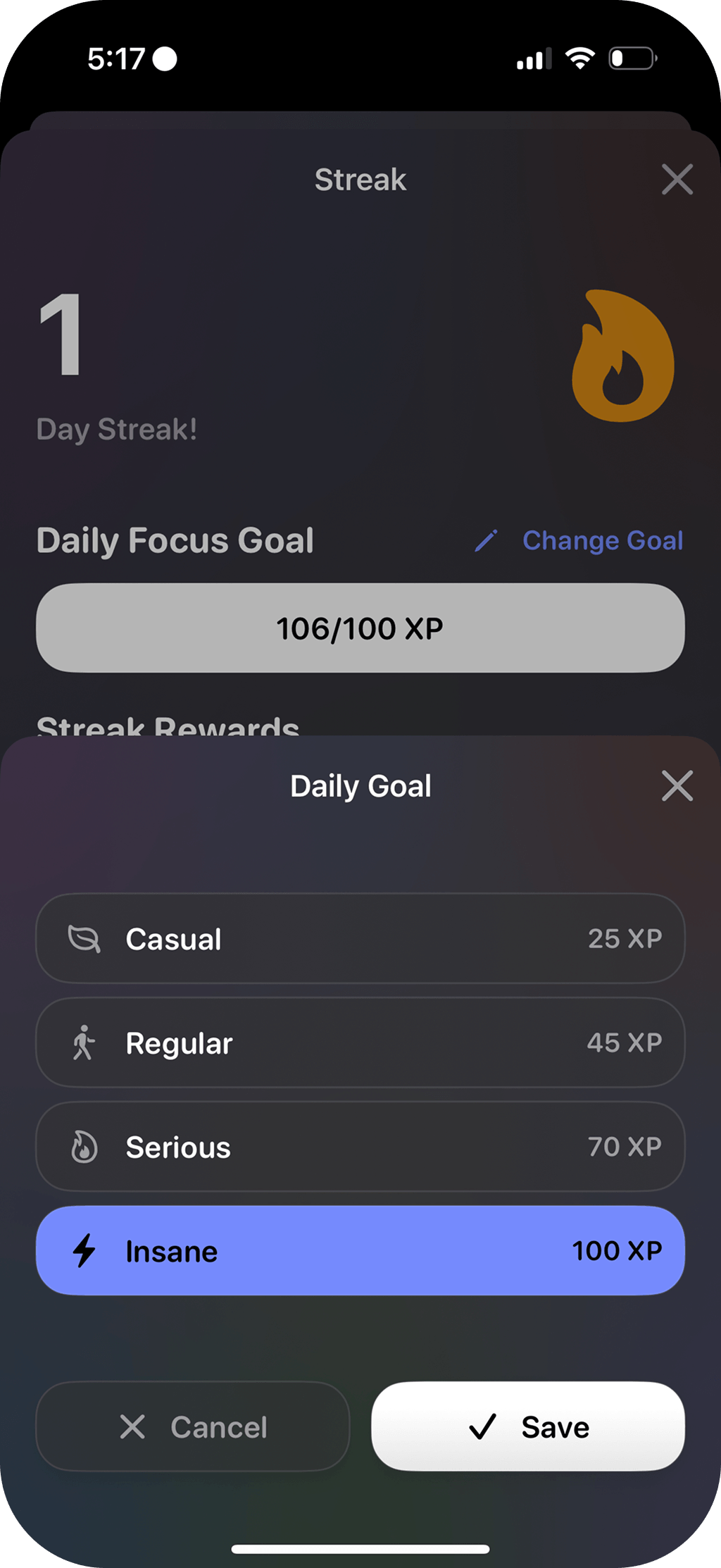
From scheduling a session to tracking long-term goals, these screens show how LockedIn turns focus into something you can measure.
The Problem
Most focus apps are just timers. You start a session, open Instagram, and nothing stops you. The app quietly counts down in the background while you scroll.
The core issue is enforcement. A timer without friction is a suggestion, not a tool. People who struggle with focus need something that actually stops the distraction, not just tracks it.
The Solution
LockedIn blocks distracting apps at the system level during focus sessions using Apple’s FamilyControls framework. When a session starts, the OS shields selected apps until the session ends.
Around that core, the app includes a Pomodoro timer, task management, daily goals, and a progression system with XP, levels, streaks, and milestones. It runs across iOS, iPadOS, and watchOS, with Live Activities for active sessions and home screen widgets for quick stats.
System-Level App Blocking
FamilyControls and ManagedSettings block apps during focus. A custom Shield Configuration Extension replaces blocked app UIs with a branded shield view.
Gamified Progression
100-level XP system with streaks, milestones, and a multi-factor Focus Score that rewards consistency over one-off sessions.
Live Activities & Widgets
ActivityKit-powered Dynamic Island and Lock Screen timer. WidgetKit home screen widgets for daily stats and progress.
watchOS Companion
Standalone watchOS app for starting sessions, breathing exercises, and quick controls from the wrist.
Engineering
App Blocking
Apple’s FamilyControls API requires a Shield Configuration Extension that runs in a separate process. When a blocked app is opened mid-session, the system replaces its UI with a custom shield view. Getting this stable across app launches, backgrounding, and device restarts took a lot of iteration. ShieldManager coordinates authorization, selection state, and activation through one observable object.
Timer Precision
The timer excludes paused time atomically to avoid race conditions, disables the idle timer during focus, and dims the screen after 5 seconds of inactivity. Break skips count as distractions, and the timer integrates with ActivityKit to keep Live Activities in sync.
Focus Score Algorithm
Five weighted factors. Consistency (30%), intensity (25%), discipline (20%), progress (15%), and commitment (10%). The score is drawn from streak data, session duration, and daily goals. Daily changes are capped at 1.0 to reward steady habits over one-off spikes.
Multi-target Architecture
The app ships four targets. iOS app, watchOS companion, Shield Configuration Extension, and Widget Extension. Each domain is isolated into dedicated manager classes (FocusManager, ShieldManager, LevelManager) coordinated through @Observable, which keeps each feature testable in isolation.
Monetization Pipeline
Superwall manages paywalls, StoreKit handles purchases, and Firebase Remote Config drives A/B tests on paywall variants and onboarding flows. Iterating on paywall design and onboarding copy through remote experiments improved conversion without App Store updates.
Technologies
SwiftUI
Declarative UI across iOS and watchOS with @Observable view models.
FamilyControls
Screen Time APIs for system-level app blocking and Shield Configuration Extension.
SwiftData
Persistence for sessions, tasks, and goals.
ActivityKit
Live Activities for Dynamic Island and Lock Screen timer.
WidgetKit
Home screen widgets and iOS 18 Control Center actions.
HealthKit
Mindful minutes written to Apple Health after each session.
Firebase
Analytics, remote config, and A/B testing infrastructure.
StoreKit & Superwall
In-app purchases with dynamically configured paywalls.
OSLog
Structured logging with subsystems for timer, notifications, and streaks.